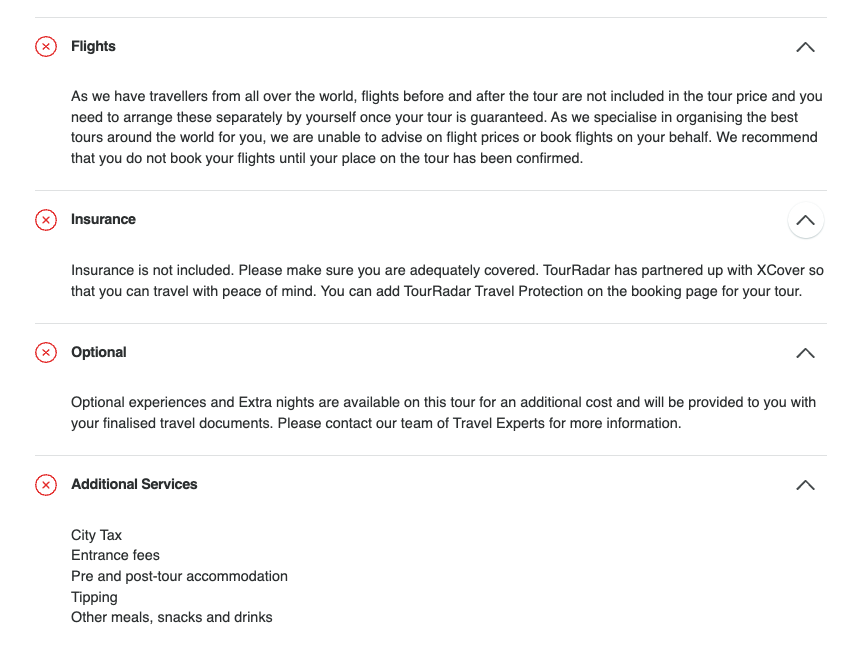
Here's how to read the What's Included section on any tour page.
Every tour page has a "What's Included" section that shows exactly what the advertised price covers.
How do I read the What's Included section?
-
Expand for details. Expand each tab on the tour page to see a detailed breakdown of what the package includes.
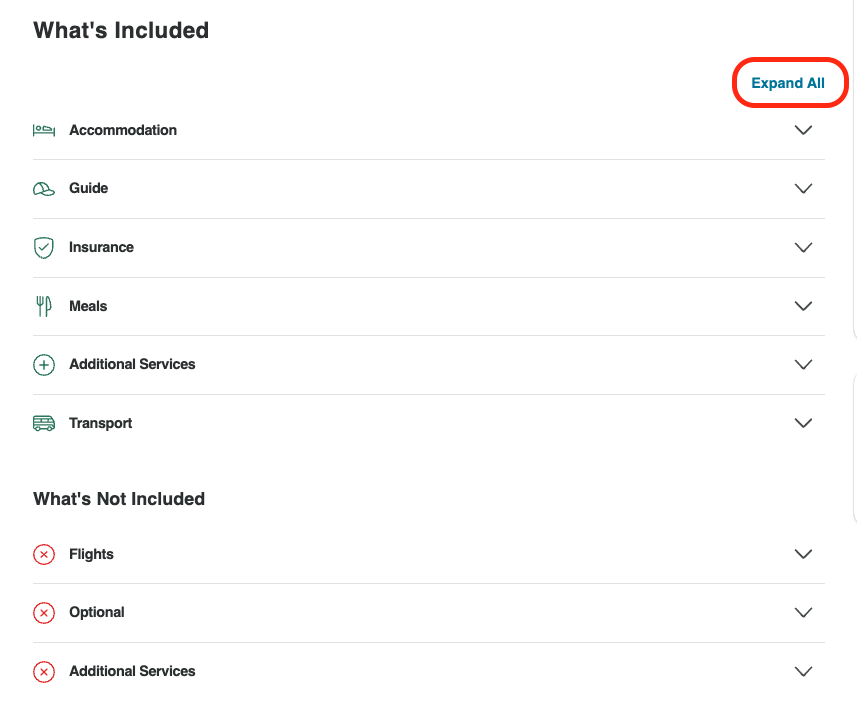
-
Check the icons. Items included in your package are marked with a green checkmark. Read the accompanying text too, not just the icon.
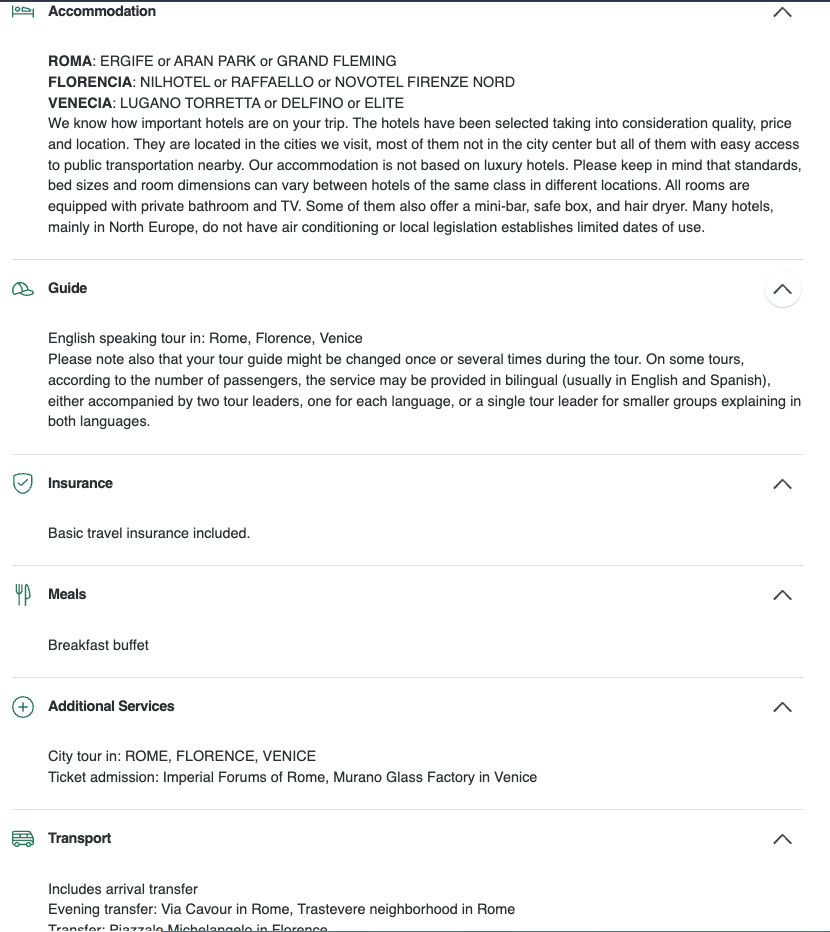
-
Look for exclusions. Items not included are marked with a red X. Read the accompanying text here as well, so you know exactly what's not covered.