
There are a few ways to search for a tour on TourRadar: using the search bar, browsing by destination or style, or narrowing your results with filters.
Finding your next adventure is easy, whether you already know where you want to go or you're just browsing.
How do I use the search bar?
-
Visit the homepage: start on the TourRadar homepage.
-
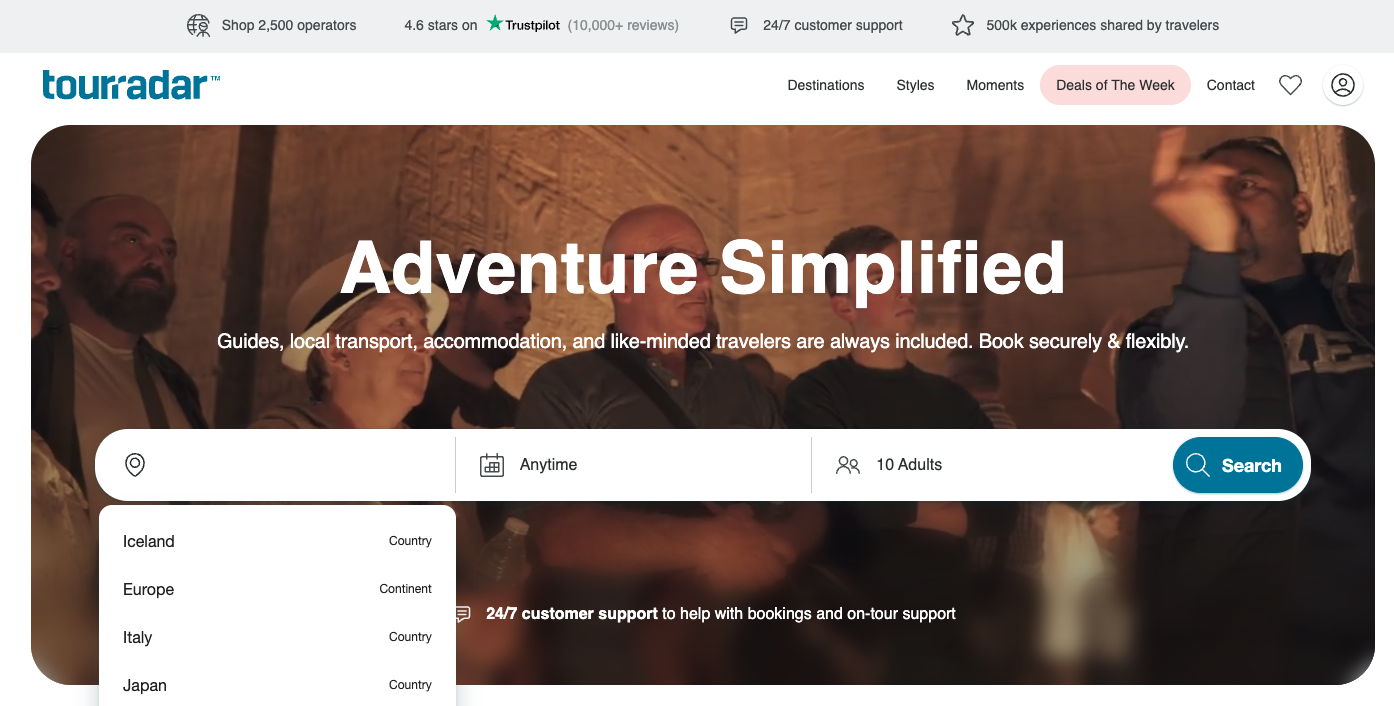
Use the search bar: enter your destination, such as a region, country, or city, in the Where to? field. You can also type in a specific tour name to find it directly.
-
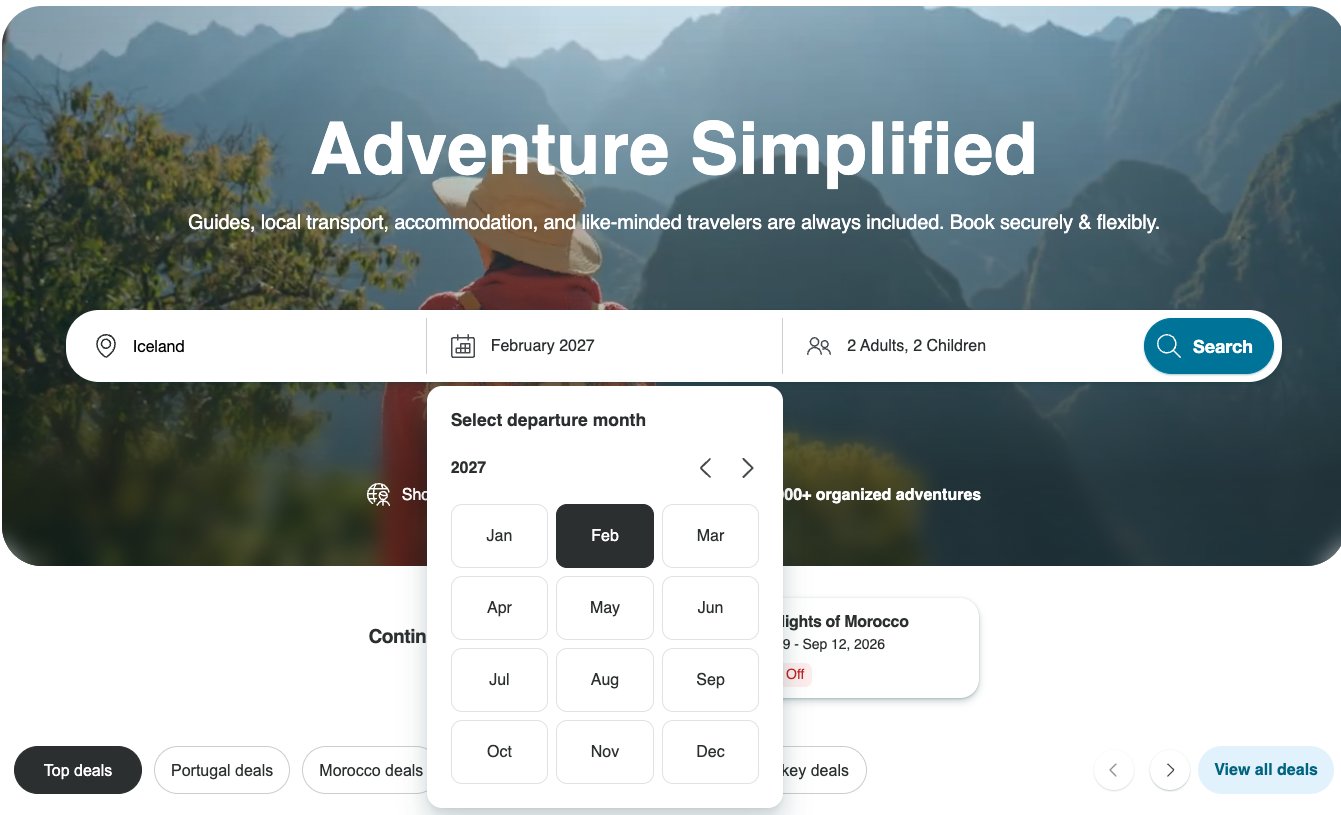
Choose your dates: use the When? field to select a specific month, or leave it as Anytime to keep your options open.
=
-
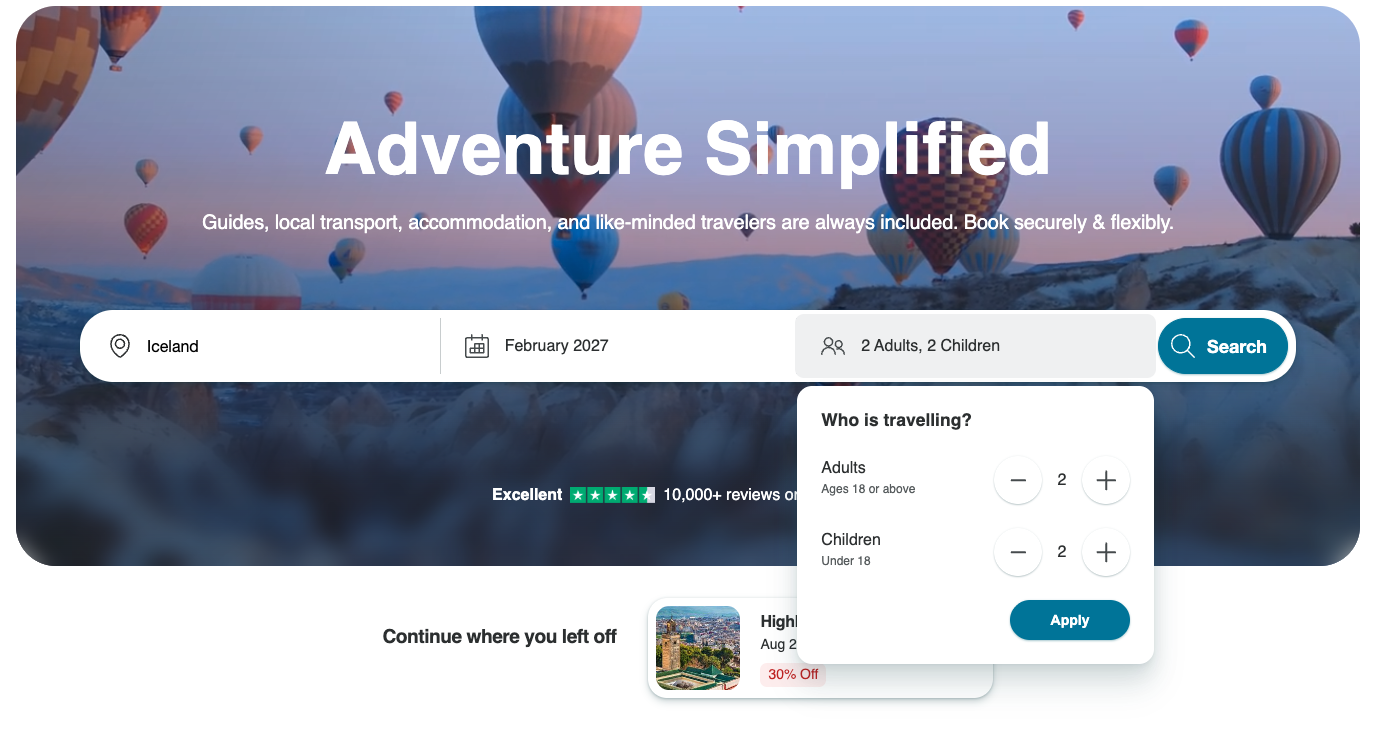
Set the number of travelers: enter how many adults and children are traveling. This matters even if you're traveling solo, since it affects the price shown for each tour. See How can I search and book a tour as a solo traveler? for more on this.
-
Search: click the Search button to see your results.
Refine your results:
-
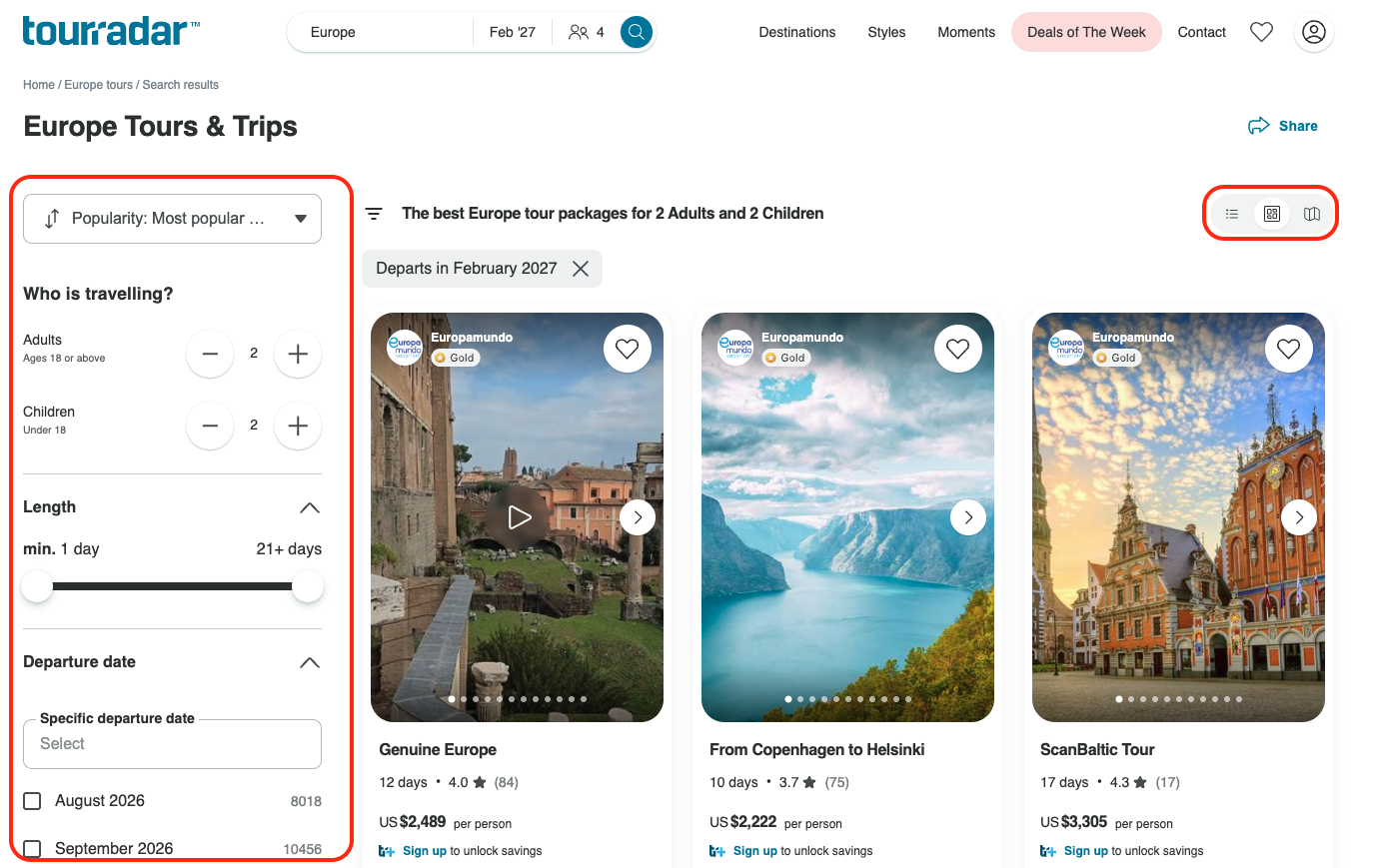
On the results page, switch between list, grid, and map views using the icons above your results, and use the filters on the left to narrow things down by length, dates, price, and more.
-
For the full list of filters, see How do I use search filters to sort and find the perfect tour?
How do I browse by destination or style?
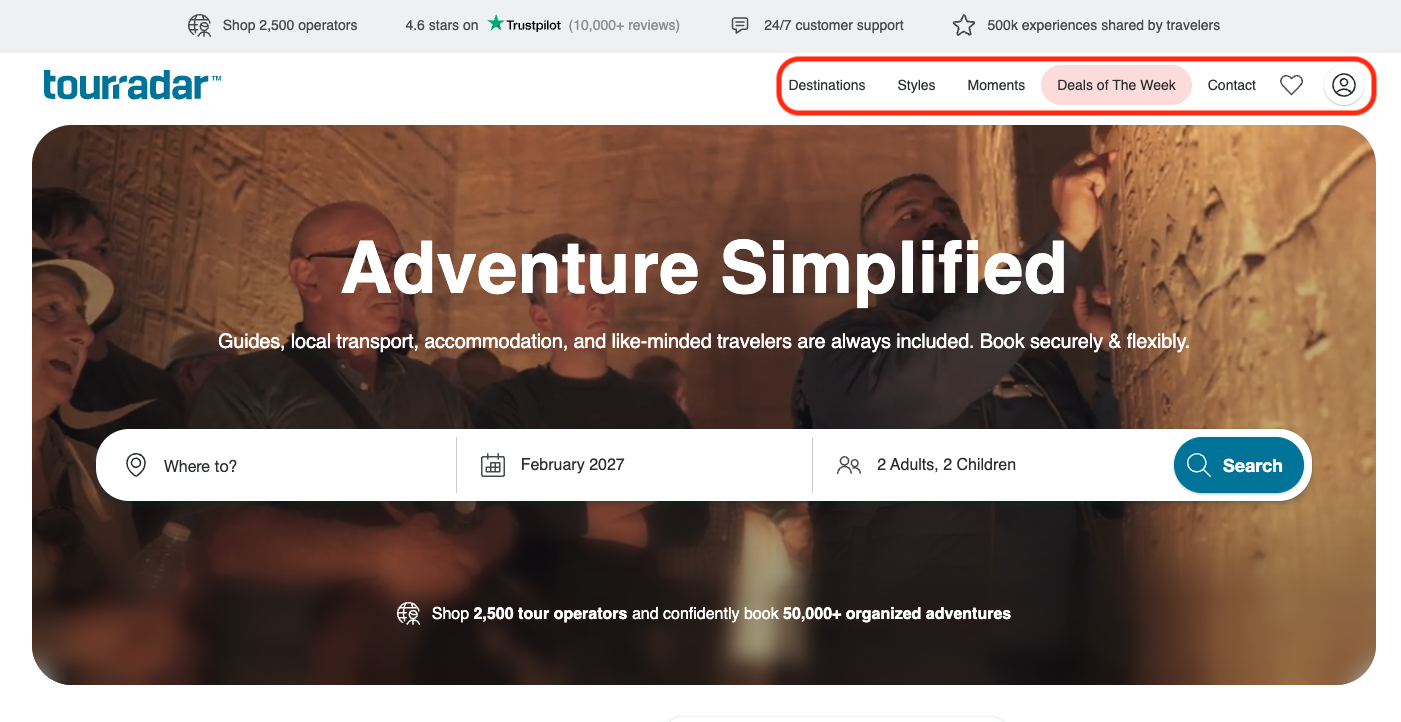
If you'd rather browse than search directly, you can use the menus at the top of any TourRadar page:
-
Explore the menus: check out Destinations, Styles, and Deals of the Week at the top of the page.
-
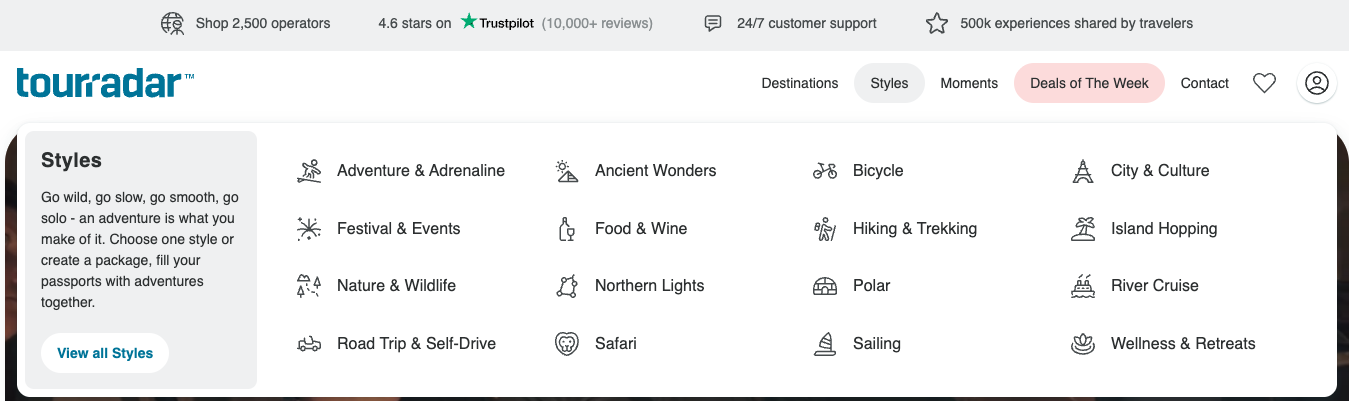
Choose your adventure: select an option like Europe under Destinations, or Food & Wine under Styles.
Either way, you'll be able to explore and tailor your options on TourRadar to find the tour that's right for you.