
The Image Library is a shared resource collection in your partner portal where you can download ready-made banners, images, and promotional content to market your tours — no design work required.
Instead of creating graphics from scratch, you can pull from a curated set of materials and use them across your own marketing: your website, social media, and email campaigns.
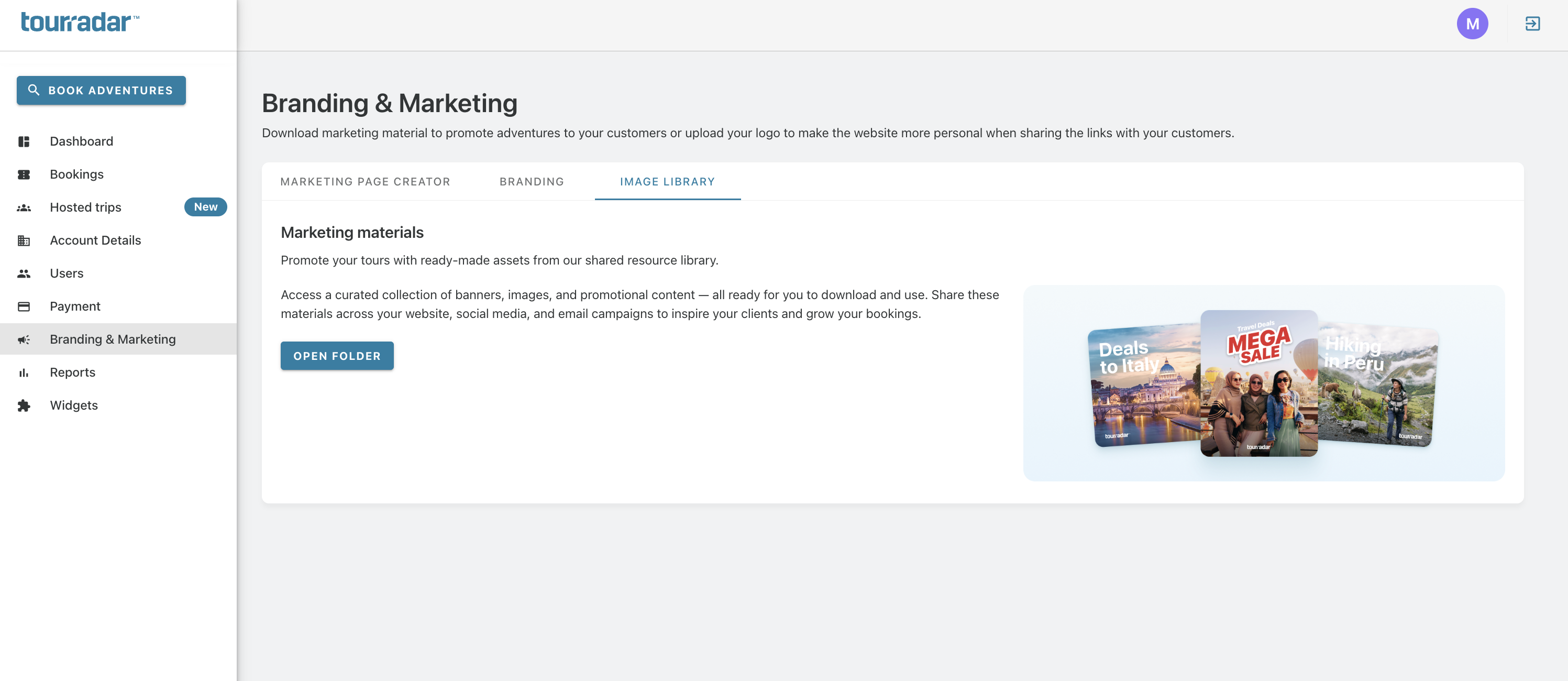
Where to find it
-
Log in to the partner portal.
-
In the left-hand menu, select Branding & Marketing.
-
Click the Image Library tab.
How to use it
-
Click Open Folder to access the full shared resource library.
-
Browse and download the images or banners you want to use.
-
Share the materials across your own channels:
-
Your website — to promote deals and destinations to visitors.
-
Social media — to post and engage your followers.
-
Email campaigns — to inspire clients and drive bookings.
Frequently asked questions
-
Is the Image Library free to use? Yes — it's included as part of your partner portal access.
-
Can I use these images on my own website and social media? Yes. The materials are designed to be shared across your website, social media, and email campaigns.