
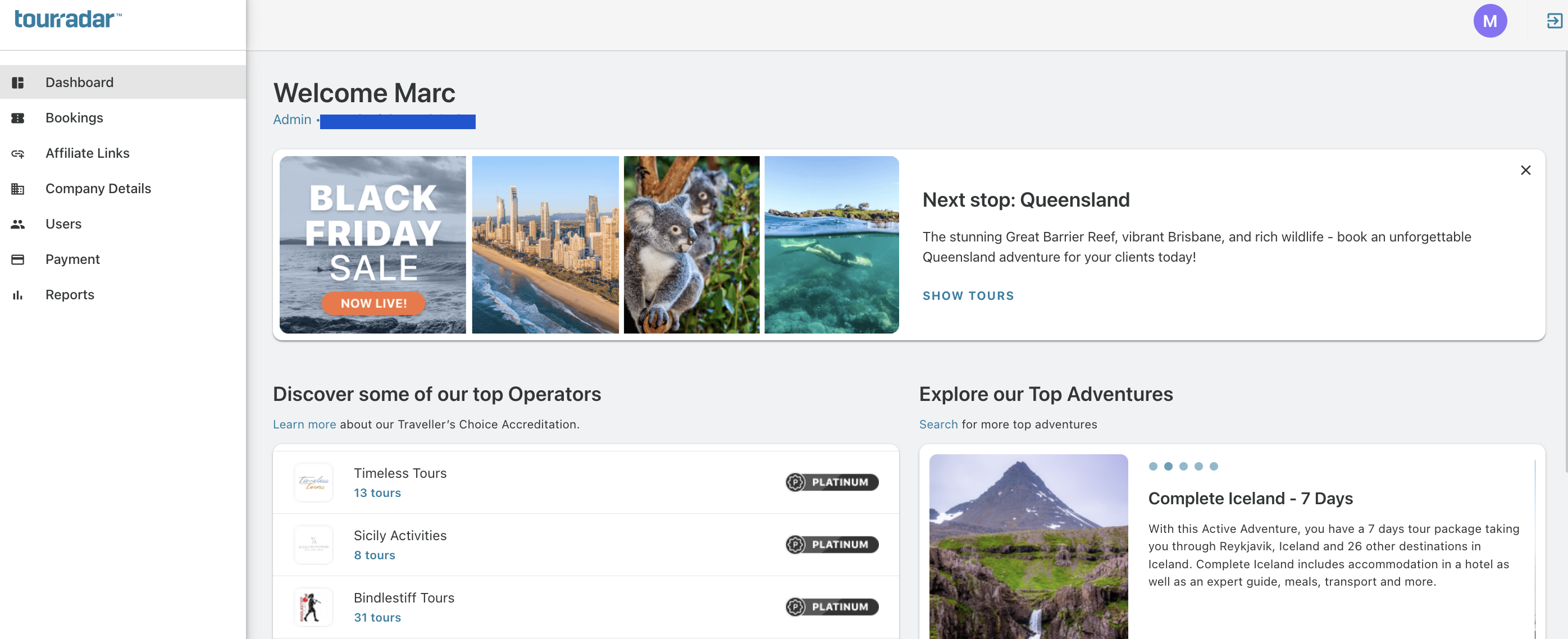
When you sign in to your Partner Portal you will see your Dashboard. In the left menu you can access all the sections below:
-
Bookings — Check all confirmed bookings, open questions or hold requests.
-
Affiliate Links — Create your own Affiliate links to embed on your website, socials, content and more.
-
Details — Enter all your details including address and contact information.
-
Users — Manage all users who have access to your Dashboard.
-
Payment — Once you have received your first booking and activated your TourRadar Wallet, you will see your released commission, the due date, and be able to transfer it.
-
Reports — Get traffic insights as well as updates on commission payouts.