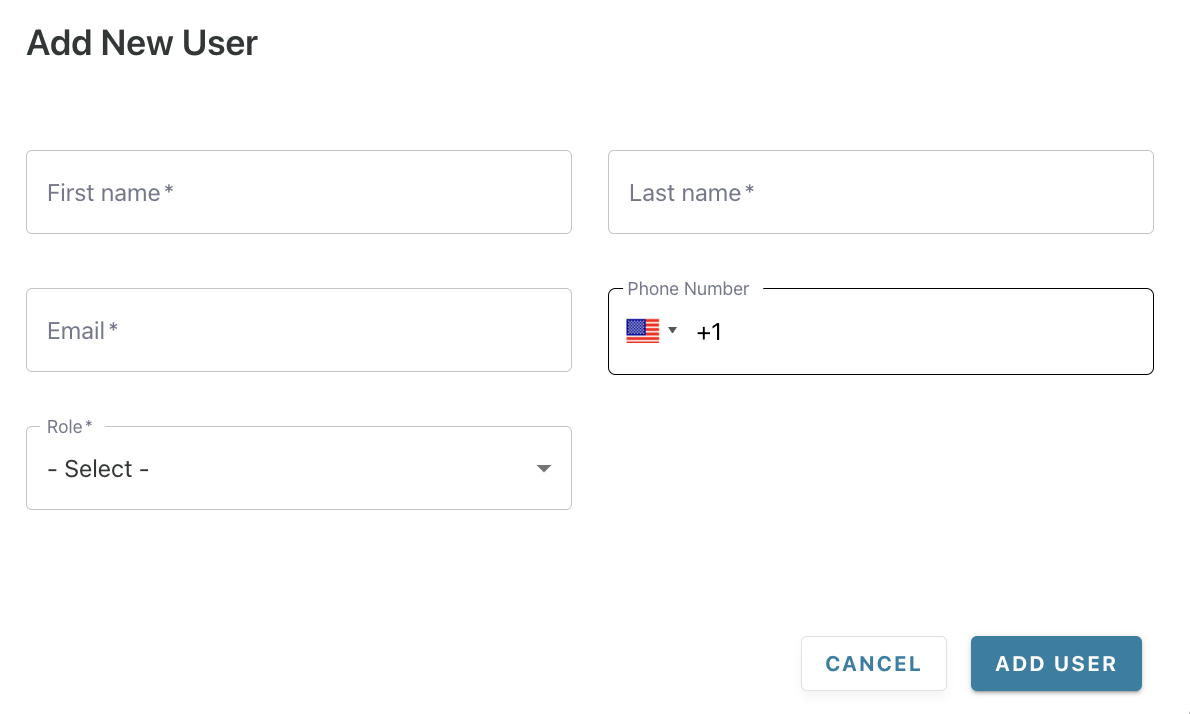
Yes, you can add multiple users to the Portal.
-
Choose the 'Users' section in the navigation bar
-
Click on '+ Add New User' and enter the required details
-
Click 'Add User' — an automated email is triggered to the new user for them to set up their portal access
-
You always have the option to edit or delete user details