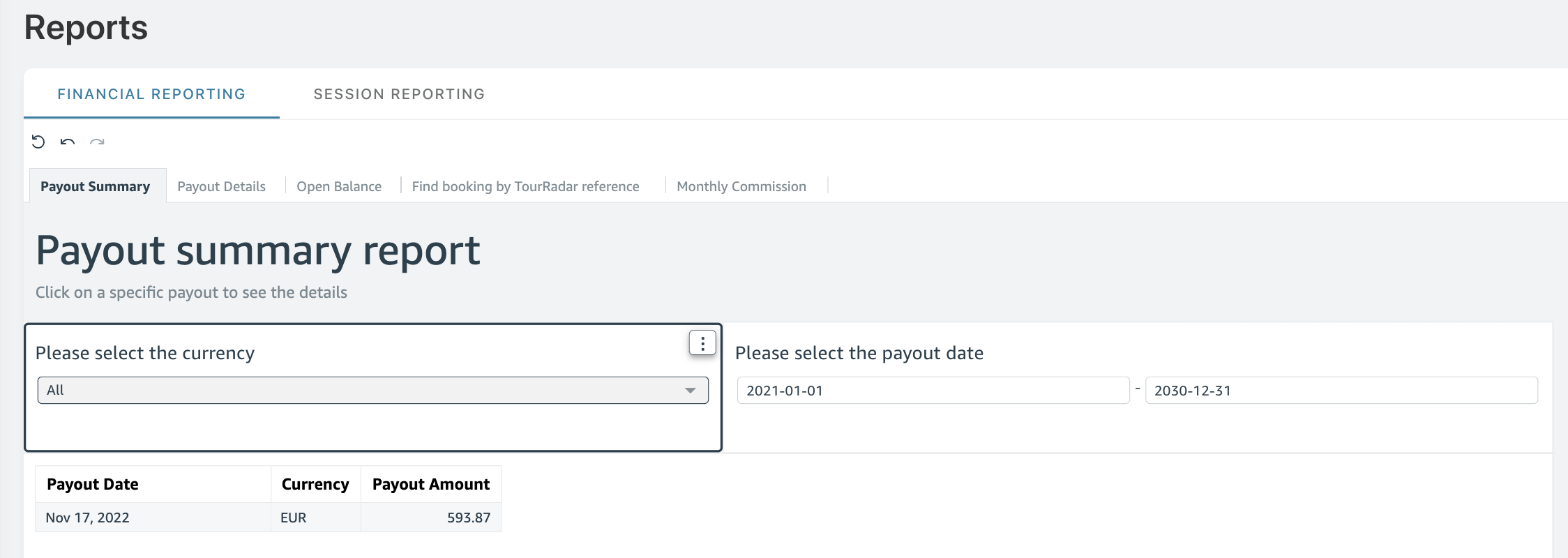
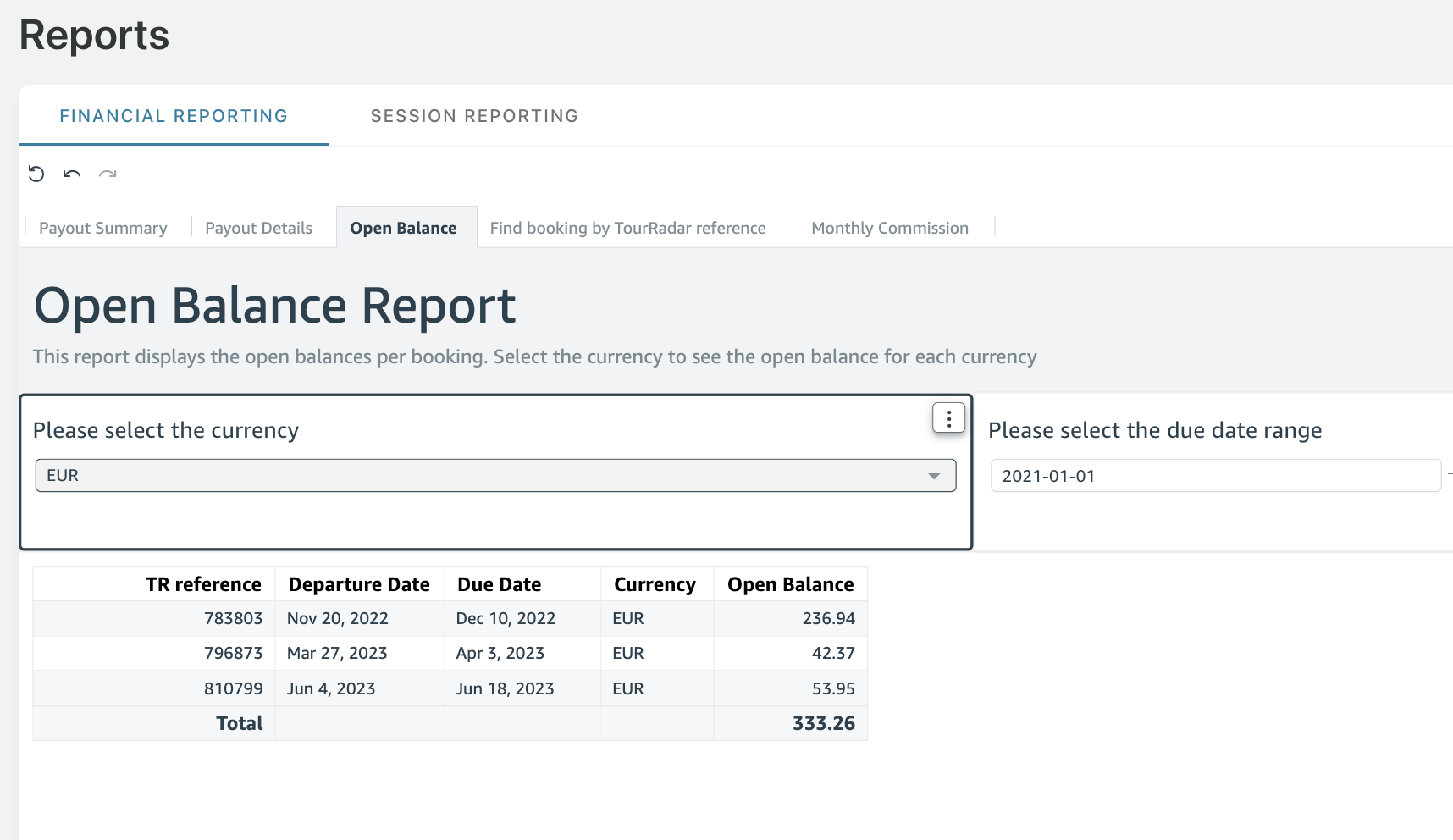
In the Reports section of the Partner Portal are two sections: Financial Reporting and Session Reporting.
Within Financial Reporting, you will find various tabs displaying different information regarding commission and payout details.
|
Payout Summary |
Overview of all commission payouts by currency and the date each payment was processed. |
|
Payout Details |
Breakdown per booking: TourRadar reference number, departure date, tour name, currency and commission amount. |
|
Open Balance |
All open bookings where commission has not been paid yet. Check the amount earned and when it is due to be paid out. |
|
Find Booking by TourRadar reference |
Type any reference number to find details of a specific booking. |
|
Monthly commission |
Visual overview of monthly commission tracking. |